Pixels of the Week – April 19, 2026
A wireframing with ASCII text tool, a 3D pumping heart bag & a beautiful river-inspired font
Pixels of the Week is my weekly-ish curated newsletter for designers, UX folks, devs, and anyone building accessible, inclusive, usable (and let’s be honest, awesome) digital products. This week covers a wireframing with ASCII text tool, removing before adding as design principle, and how AI speeds up code but not projects. Also: a beautiful amazonian river inspired font, some Wikipedia rabbit hole and 3D printed pumping heart bag.
Subscribe to my newsletter to get this directly in your mailbox!
Now: what I’m currently up to
I’m playing with website’s code those days. I’m not very efficient, but, I’ve now a cute purple Visual Studio Code theme. You might have noticed some new alignments on the blog part and pages. If there are strange layouts, empty the cache! As explained on masto/bluesky, I’m still not using Gutenberg because my theme is too old. I need to see how I can migrate the theme, either re-using the current one and making it Gutenberg ready, or, rebuilding from scratch. If anyone has experience with making a theme Gutenberg compatible, I’m curious
Most popular content this week
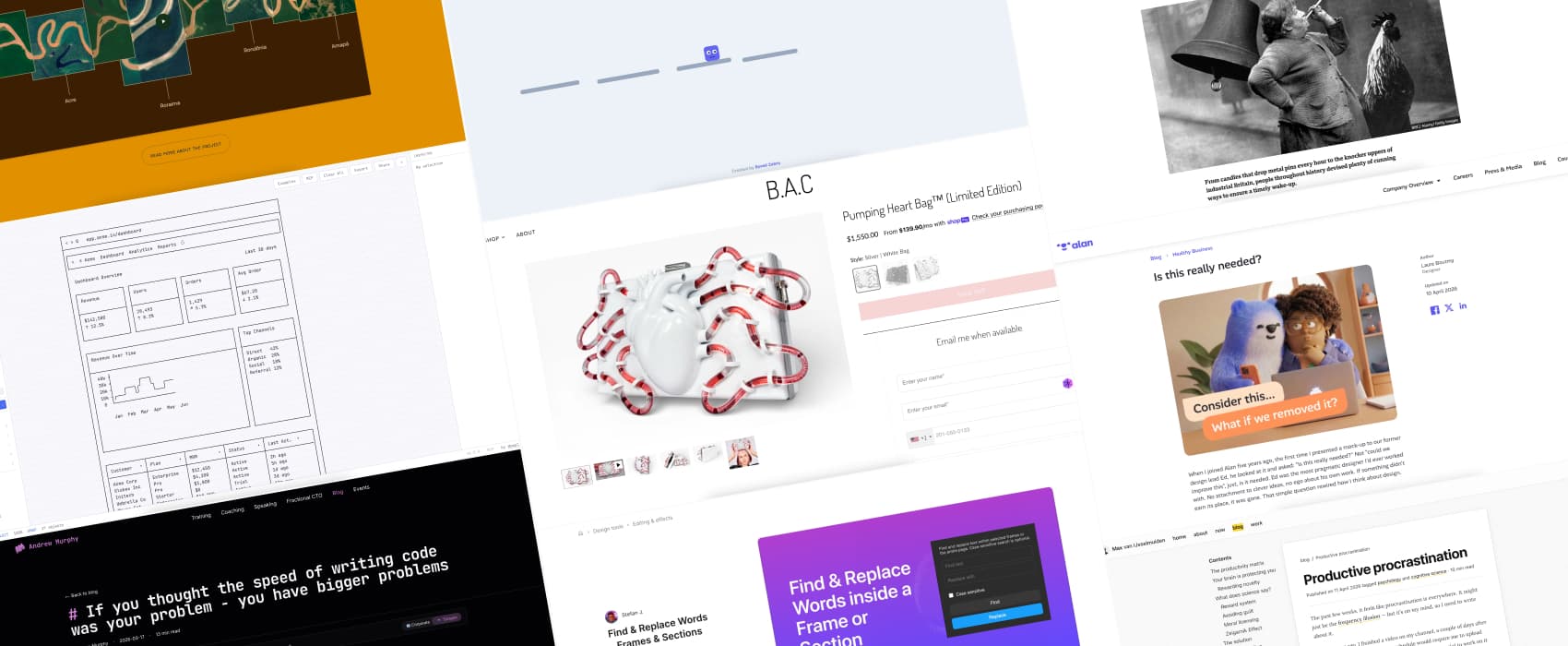
Wiretext I’m absolutely fascinated by this tool that lets you build wireframes using text elements, ASCII art style. I’ve seen wireframes in excel, powerpoint, on paper, but this is a first. Still, it’s actually quite efficient and exportable. Love it!
Interesting articles that caught my attention
Is this really needed? (8min) Remove before you add should be a design principle. I absolutely agree here. Our brain is wired to add things, since we associate progress with accumulation. But everything button, feature, line of content we add on the screen, brings hidden costs: more decisions for users, more things to maintain. Removing things helps create cleared signals, user paths and often, more trust in the product. But, removing is sometimes hard, and takes convincing. By Laure Boutmy
Productive procrastination (11min) Our brain loves and rewards novelty, in the form of dopamine. Old tasks don’t bring any. This is why we tend to avoid older tasks we need to do, and “productively procrastinate” on new tasks. This can lead to an infinite cycle of shame from not working on the main task, reinforcing not working on it because of the shame. Now imagine that, but x100 with a neurodivergent brain, only driven by dopamine. Yup, it’s a mess. To get out of this, Max van IJsselmuiden suggests turning old tasks into new challenges, acknowledging this guilt emotion, and forgiving ourselves. I wonder if this works for neurodivergent brains.
Curiosity cabinet: non-design/tech rabbit holes I enjoyed
Knocker uppers and candle clocks: How people woke up before alarm clocks a fun rabbit hole, from roosters, church bells, simply the sun, but also candle clocks with metal pins that dropped into trays and beyond. I’ve seen one of the candles that drop the metal device in the Korean Drama Bon Appétit, Your Majesty and was curious to know if it’s historically accurate.
Inspiration: fun experiments, beautiful art, and great ideas
Sculptural Tech (warning: 3D organs and fake blood) Brittany Anne Cohen creates anatomical wearable designs for bags and corsets, mixing art and engineering with different techniques like 3D printings and leatherwork. She’s known for her Pumping Heart Bag. It’s not everyone’s cup of tea, but, you have to admit that the technical and aesthetic part is next level.
100 Jumps a fun little browser game where you hold space, charge the jump, and then, juuuump!
Friday inspiration: the visit Amazonia website is beautiful (but has a lot of motion) They also used part of the river curves to create a font, Igaratipo (it’s hard to read but fun). I love that the logo also uses this font.
Useful tools & resources
WikiCommute in case you didn’t have enough rabbit holes in your life, this little tool lets you choose how much time you have, and brings random wikipedia content to you.
AIMAC, the AI Model Accessibility Checker AIMAC answers the question “when you ask an LLM to build a web page, how accessible is the HTML it generates?” The test is based on axe-core automated testing, so it’s not perfect. But it’s a start to know which LLM handle accessibility without being told to.
Find & Replace Words – Frames & Sections Very niche, but, if you need to find and replace text, in a Figma mockup, specifically in a frame or a section this plugin is quite useful. I use it when we duplicate mockups for different user groups and have small wordings to put for usability testing sessions but the whole concept of the pages are the same.
Latest news in the industry
WCAG3 Contrast as of April 2026 (5min) by Adrian Roselli. A little reminder, in case you missed it: as of today, WCAG3 has no confirmed contrast algorithm. APCA was only ever exploratory and was pulled from the draft in 2023. WCAG3 itself is years away, possibly 2030. Until then, WCAG2 contrast requirements are still the standard to follow.
