Pixels of the Week – July 12, 2026
AI starving the thinkers, accessibility for robots instead of humans & a colorblind friendly system.
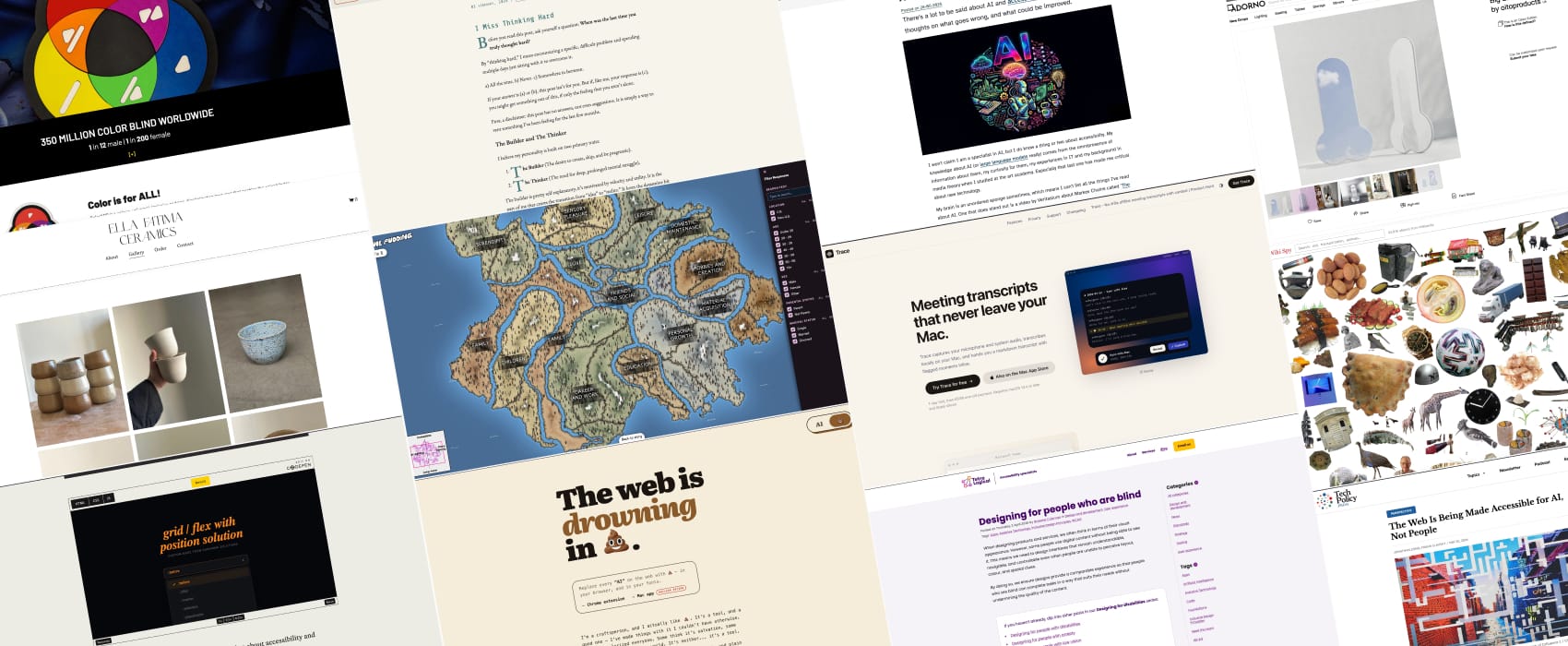
Pixels of the Week is my weekly-ish curated newsletter for designers, UX folks, devs, and anyone building accessible, inclusive, usable (and let’s be honest, awesome) digital products. This week, I’m interesting in the tension between fast AI fixes and real deep thinking and how sadly we are making the web accessibility for robots, not people. Also don’t miss a happy map dataviz, beautiful ceramics an interesting system to identify colors for colorblind people.
Subscribe to my newsletter to get this directly in your mailbox!
Now: what I’m currently up to
This week I shared my experience with enterprise UX in a UPXA webinar. I think the recording will be available soon on their webinar library, I’ll share the link once it’s available.
What caught my attention
I miss thinking hard. (8min) When was the last time you spent multiple days trying to solve a problem? Pragmatism often wins on our projects: AI won’t come up with a 100% satisfying solution, but when a 70% solution is “good enough”, your pragmatic brain goes with that one.
For Ernesto Mtz, this creates a conflict: AI satisfies the Builder side (building fast things) but it starves the Thinker side of the brain (solving really hard problems). In the end, he wonders if there is a way to make both sides happy. And so do I.
I share his ‘my thinker brain is starving’ feeling, and honestly, I’m quite frustrated by what I see around me. People want to go fast, to show velocity, to rush into solutions. This isn’t just a tech problem, it shows up in many domains. But in some of these domains, accepting the pragmatic 70% will bite people later.
Maybe it’s a “me” problem, call me a perfectionist. But when I see people settle for the 70%, my brain already anticipates the chain of potential issues that follows. It’s the curse of having strong pattern recognition. Because of that, I often find myself asking to slow down, to at least take time to think through the problem and the solution. I don’t always get that time.
I don’t think I need 100% to satisfy my thinker brain. But I do need the chance to do some hard thinking, if only to quiet the voices screaming “this 70% pragmatic fix won’t work, because of this, this, and that.” Does that make sense?”
Accessibility and AI
Accessibility and AI (9min) Erik Kroes brings an interesting point about AI and disability washing: the promise that AI will solve accessibility problems is quite problematic. LLMs are inconsistent and hallucinate, so you might think something is accessible while it’s not. AI is biased and AI mostly benefits people with money. You can’t fix human issues by introducing more machines. Disabled people need real humans, not more automated systems. (and yes I am not a big fan of the AI image at the top of the article either, but the content is still interesting).
The Web Is Being Made Accessible for AI, Not People (9min) Some sites now offer a text version for LLMs, but still skip real accessibility needs like proper heading structure, landmarks that screen reader users need. It’s not just the web, accommodations disability advocates pushed for years are only showing up now to help delivery robots. Zong and Elavsky call this the “ramping automation effect”. And worse: those robots are causing harm to disabled people. Ironic, isn’t it? In the end, if we let AI “solve” accessibility as a side effect, we’re basically saying that disabled people’s needs were never enough on their own. Accessibility is a civil right, not a byproduct.
Inspiration
Ella Fatima’s Ceramics are beautiful, hand made in Franche
Big Lovedick Mirror, everything is in the title, it’s a mirror, shaped like a dick. Joke aside it’s actually a great shape to take full body pictures with the feet.
Interesting websites
Happy map What makes people happy? A dataviz, based on a 2017 experiment where they asked 10000 to track experiences that made them happy. The classification is quite interesting. You can also explore people’s happy moments on each island.
Useful tools & resources
ColorADD is a system to help identify different colors for colorblind people. It’s based on symbols: when you mix the symbol for blue and yellow you get the symbol for green. Also it was created in Portugal, yeaahy!
Trace a Mac tool that captures your microphone and audio system to build a transcript of your conversation, locally on Mac. This can be super useful for usability testing sessions for example. Also, I do appreciate that this is a “pay one time” type of tool and not yet another subscription.
Wiki Spy, an endless visual exploration of images from wikipedia. If you want to waste 10min, it’s a fun place.
Enshittifier if you are tired of the word “AI” this is a chrome extension that replaces it with 💩 in the browser in all your fonts. Someone said it’s sad the website uses the AI brown, but, I kind of imagine this is actually on purpose, part of the whole satyr?
Tutorials
Navigating the age-old problem of checkmarks in UI with progressive enhancement (12min) oh, fun, Sunkanmi Fafowora shows you how to use the ::checkmark pseudo-element to style dropdowns you create with select/option HTML elements. That’s quite nice, less JS to make it accessible let’s just hope Safari and Firefox start supporting it at some point.
Designing for people who are blind (8min) a couple of things to consider, beyond aesthetics: organize the content with landmarks, headings, prioritize key information first, be consistent between screens and announcements and keep interactions predictable. Also be clear, concise, bring multiple navigation options (links, search, navigation, breadcrumbs) and offer choices. by Graeme Coleman
