Pixels of the Week – October 25, 2026
The disability dongle problem, AI-generated prototypes risks and some spooky horror comics for Halloween!
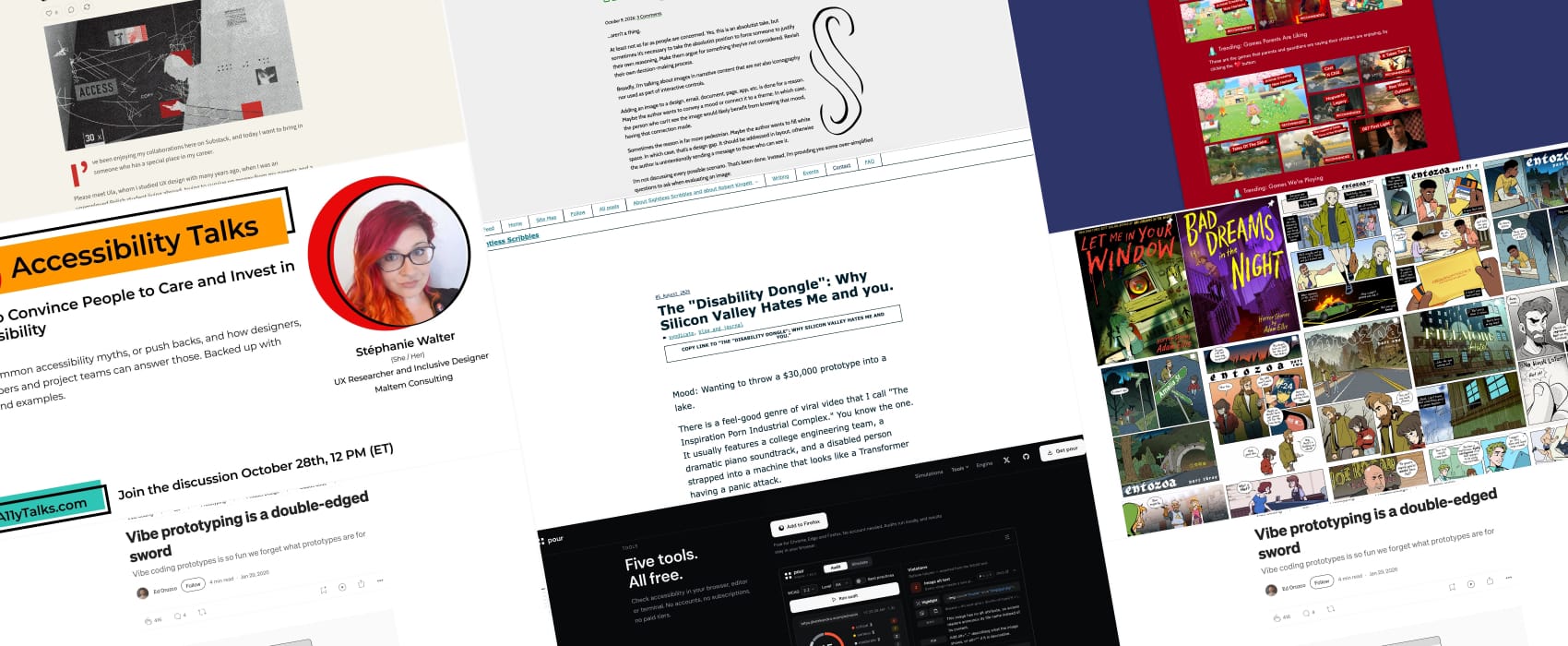
Pixels of the Week is my weekly-ish curated newsletter for designers, UX folks, devs, and anyone building accessible, inclusive, usable (and let’s be honest, awesome) digital products. This week we explore the “disability dongle” problem, ecommerce accessibility issues that get customers stuck, and the double-edged sword of AI-generated prototypes. Also, don’t miss some horror graphic novels for Halloween and a gaming database for parents!
Subscribe to my newsletter to get this directly in your mailbox!
A free talk to help you push back on accessibility
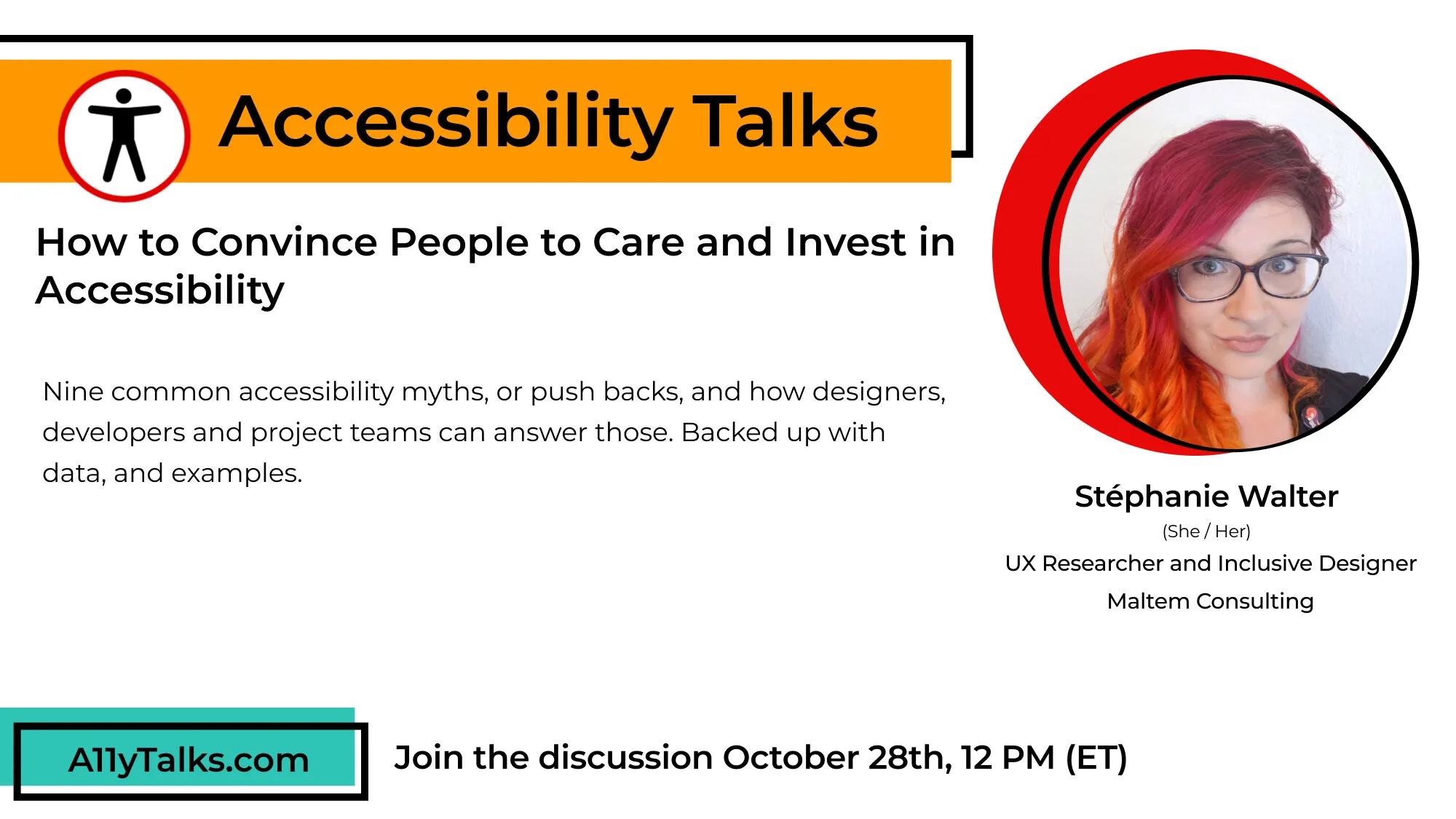
Next week, I’ll speak at A11yTalks about accessibility pushback, and how to tackle them! The talk is called “How to Convince People to Care and Invest in Accessibility” per-recorded and airs on Wednesday October 28, 12pm ET. I’ll be in the chat to answer questions and comments!!
Most popular content this week
The “Disability Dongle”: Why Silicon Valley Hates Me and you. (10in) Robert Kingett argues that the tech industry needs to stop trying to sell useless expensive gadgets no disabled person wants, or can afford, and start fixing actual accessibility barriers, like bad code, and poorly designed infrastructures. This hurts, because, it’s true: “Silicon Valley will spend millions developing a glove that translates sign language into speech (badly), but they won’t spend ten minutes adding Alt-Text to their images. They will build a headset that describes the room to me (poorly), but they won’t use semantic HTML headings so I can actually navigate a webpage.”
Articles
Ecommerce accessibility: where your customers get stuck. (12min) Black Friday is coming, time to fix a few common errors on your e-commerce: don’t only show checkout errors with color, test your website with keyboard only navigation including the basket and full checkout process, check that filters work for screen reader users and that the product result page changes get properly announced, and ensure that states and selection don’t just rely on color (arguably the image in the article illustrating this part is a poor example: if you have products in different colors, you also need a way for color blind people to get the color information)
AI-generated UI is fast design, not UX (12min) Sophie Shrimpton compares AI generated UI to cheap furniture and fast fashion: prompt-first AI output can look polished but ignore real human problems, accessibility, context, and quality. The prompt first, think never mindset is producing decorative garbage. We sometimes don’t even know what is the problem to solve, but, here are some pretty pixels to solve it: this is AI slop. She urges designers to take back control, and preserve the problem discovery and exploration phase of our process. But also use AI as a tool to help prototype solutions, but only after you understand the problem.
Decorative Image …aren’t a thing. (5min) I tend to agree with Adrian here, with modern CSS, any decorative image should go in the CSS anyway, so, if you have an image in the HTML, there’s a reason for it, might not be decoration. Otherwise: remove it? Most examples of “decorative” images I come across when teaching are actually not decorative, but redundant. For example: a button with an icon and a label. The label provides the information, so the icon is redundant. This means you need an empty alt text (or SVG equivalent) for those if your image is in the HTML, but, even better, again: put that icon in the CSS.
Vibe prototyping is a double-edged sword (5min) yup, I have to agree here: super detailed prototypes can backfire on projects. People fall in love with the pixels and lose any ounce of critical thinking. We struggle to ask the important questions. What is the problem this is trying to solve? And why?
Interesting websites
Family Gaming Database a database to help parents and guardians navigate the world of gaming and know if the game is suited for their kids or not based on age, platform play styles, etc.
Comic-books
It’s Halloween soon, may I interest you in the work of Adam Ellis, an horror graphic novels and comics author? He publishes amazing horrible horror short stories on his instagram, and a couple of more on his patreon (Warning: there is some NSFW artwork on his patreon but if you like beefy gay men, you shall be happy). I bought “Bad dreams at night” (affiliate) and devoured it in 2 hours. I’ll get Let Me in Your Window (affiliate) as a Halloween treat and let you know!
Interesting tools
Pour.dev is a set of tools built by David Yarham to help you check the accessibility of a website. There is a Firefox you can drag and drop to run a small audit, nothing to install. You can also use the command line version, a VS Code version and more. And the tool offer some simulations. While I am not a big fan of disability simulations as auditing tools, I think they can help at least raise awareness within a team.
Side-note: sometimes, I feel like an alien on social media…
Especially on LinkedIn… I’ve been asked multiple times “why don’t you automate your weekly links, you could feed the 150 newsletters you follow to a tool that would cherry pick the most interesting ones, it would summarize them, it could even, generate the social media posts for you”. Yes, I could. Expect: where is the fun in that?
First, I love reading: articles, books, etc. This is the way my brain creates connections, discovers new ideas, etc. This is basically fuel for my brain. So trust me when I say: I am sad, the weeks I can’t read as much as I would like.
Second, summarizing things, with my own words, is a way for me to remember those things. To reflect. To draw more connections. It helps me, articulate, more thoughts, beyond what I read.
Which brings me to third: I sometimes share just a summary of what I read, but often, that summary contains, “my two scents” on this topic. Because it reminded me of a discussion, of something that happened in my own career, etc. So the idea is here again, not just to share content, but build upon it.
Last: I might be strange, but I enjoy opening 50 tabs in the morning, and, like a butterfly, cherry pickings the ones that pique my interest. Call it “dopamine driven curation” hehe.
Call me naïve, but I think this is why some people follow my content: I actually take the time to do all of this, connect the dots, and share. But in an ocean of generic AI posts, yeah, I feel like an alien. I am just happy I still manage to find and follow a few fellow kindred spirits who also enjoy posting human thoughts, for other humans.
And honestly: mastodon and bluesky are better than LinkedIn for that. Less AI slop, more genuine conversations. LinkedIn people, you might want to give it a try!
Full disclosure: I do automate on thing, the time I post. I often read in batch, so, I prepare multiple posts manually, and then schedule them over the week to avoid spamming you all.
(I’ve shared this on LinkedIn, Mastodon and Bluesky if you want to react there, or just drop me an email, I won’t answer within 48 hours but I always eventually check those out)
