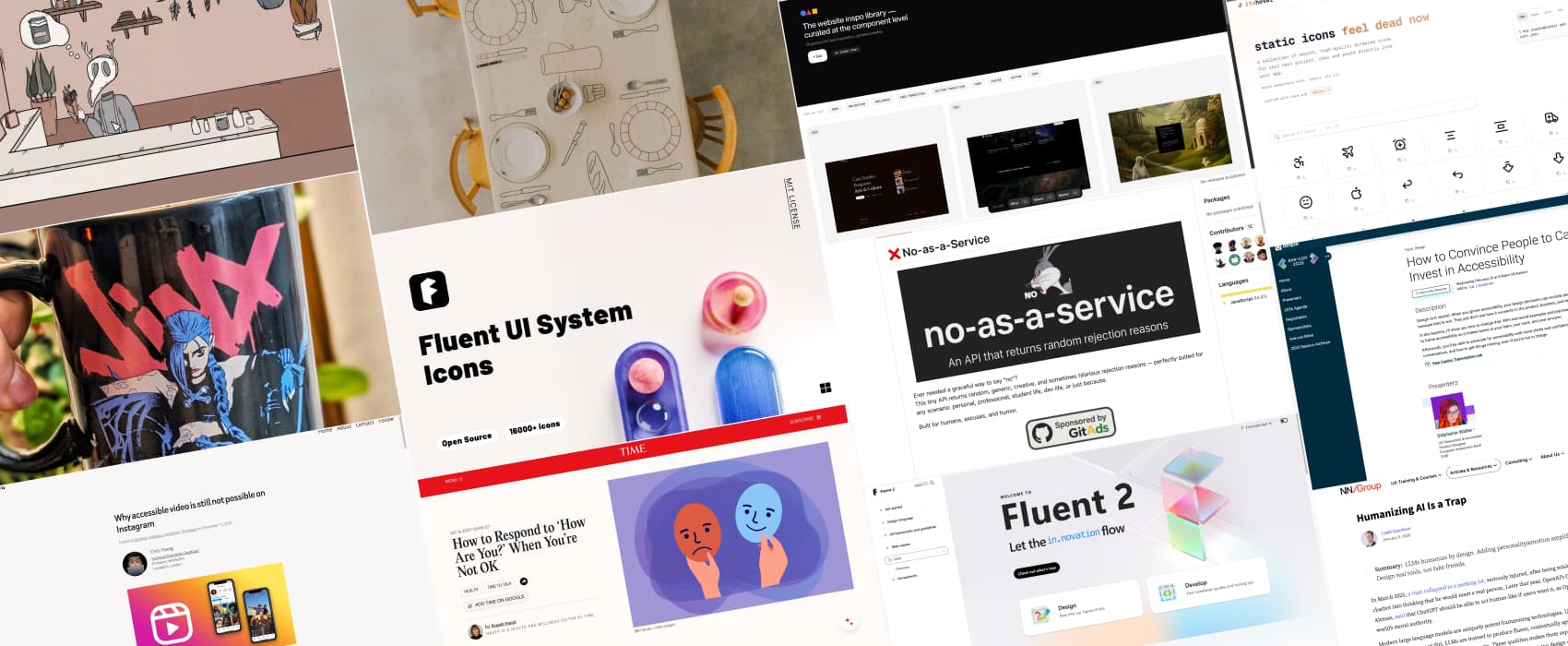
Pixels of the Week – January 18, 2026
A fun API to say "No", Fluent UI resources for designers & a creepy cute cosy game.
Pixels of the Week is my weekly-ish curated newsletter for designers, UX folks, devs, and anyone building accessible, inclusive, usable (and let’s be honest, awesome) digital products. This week, we have a fun API to say “no” with different excuses, Instagram’s failure on video accessibility, and why we shouldn’t humanize AI. Also: Microsoft’s Fluent UI resources for designers, cute animated icons, and creepy cute cozy game vibes.
Subscribe to my newsletter to get this directly in your mailbox!
Now: what I’m currently up to
I’m happy to announce that, February 25, 9am ET (3pm CET), I’ll open the second day of the design track at axe-con, with my talk “How to Convince People to Care and Invest in Accessibility“. I recorded a small video to tell you all about it. You can register for free for the 2 online days.
Also, on a personal note, don’t put a coffee mug on the desk without looking, unless you want to clean hot coffee on a Monday morning. Still, I guess it was the universe telling me to get a new one. So here we are, I now have a very nice Jinx mug, that perfectly describes my mood most Mondays: let’s paint the town blue!! (also is anyone of you play Wild Rift, reach out!!)
Most popular content this week
Are you a person pleaser who doesn’t know how to say no? I present to you No as a service: an API that returns a random rejection reason. Also check the GitHub repository
Interesting articles that caught my attention
Why accessible video is still not possible on Instagram (5min) Instagram makes billions but still ignores basic accessibility for videos: proper closed captions, audio descriptions. Features are missing, even though Meta could easily build them. But it’s unlikely to happen until the regulatory or public pressure becomes financially too great to ignore. By Chris Yoog.
How to Respond to ‘How Are You?’ When You’re Not OK (12min) it’s a tricky question, especially if you don’t feel okay, but don’t want to disclose it. You don’t have to say “I’m fine” when you’re not. Be honest, f it feels safe. You can try: “I’m having a hard time” or “Not great, but managing.” Choose who you open up to. Ask if they’re ready to hear it. Give people the chance to show up for you. Let them care. By Angela Haupt.
Humanizing AI Is a Trap – NN/G it’s tempting to humanize LLMs, but, adding personality and emotions amplifies risks, from setting unrealistic expectations to adding distractions, and concerns around privacy. We should create AI as practical tools, focusing on usability and utility rather than artificial personalities.
Curiosity cabinet: non-design/tech rabbit holes I enjoyed
The 25 Most Important Recipes of the Past 100 Years, and their history. This is very important food information! Also I didn’t know the Caesar salad is 100+ years old, which makes it older than boeuf bourguignon. The salad has a special place in my heart because it’s the reason me and one of my best friend bounded, so, yeah.
Inspiration: fun experiments, beautiful art, and great ideas
Birth is a creepy cute cozy game that I loved for the theme and aesthetic. You play a lonely creature in a city, and decide to create a friend. To do so, you explore the city, discover other creatures and get to know them via little puzzles. I got it on the iPad but it’s available on many platforms
Countryside Table Tablecloth I really like the concept of this table cloth, it has a very satisfying “everything has a place” vibe. Yeah, it’s expensive, but, a gurl can enjoy beautiful designs and concepts without buying them.
Useful tools & resources
INSPO.page a curated collection of components for your inspiration: hero, navigation and more.
itshover animated icons I usually don’t like when things move, but some of those icons have very nice little animations
Fluent UI Resources (Microsoft’s design system)
If you have to design tools in the Microsoft ecosystem (PowerApp, Sharepoint, Windows) using Fluent 2, I got a couple of tools you want to bookmark:
- Start with the main Fluent website: you can find many guidelines, tools and resources:
- If you work on a webtool, get yourself a copy of the Fluent 2 web Figma file
- Then open the theme designer plugin and follow the instructions to brand it automagically to your main brain color (so much time saved):
- If you work with a native windows tool, get a copy of this Windows UI kit (the Theme plugin doesn’t work with this one though):
- If you need icons, I really like this plugin: Fluent Icons
- If you want to play with the components to get a feeling of how they work, check the web component documentation: Storybook Fluent 2 Components
- Also, Microsoft has a nice accessibility documentation components: Accessible design toolkit
- And, shameless plug, if you don’t like Microsoft’s one, you can use my Web Accessibility Toolkit for Designers, that comes with a designer’s comprehensive checklist, and, a A4 poster with a “Minimum accessibility baseline” A4 poster you can print for your office
