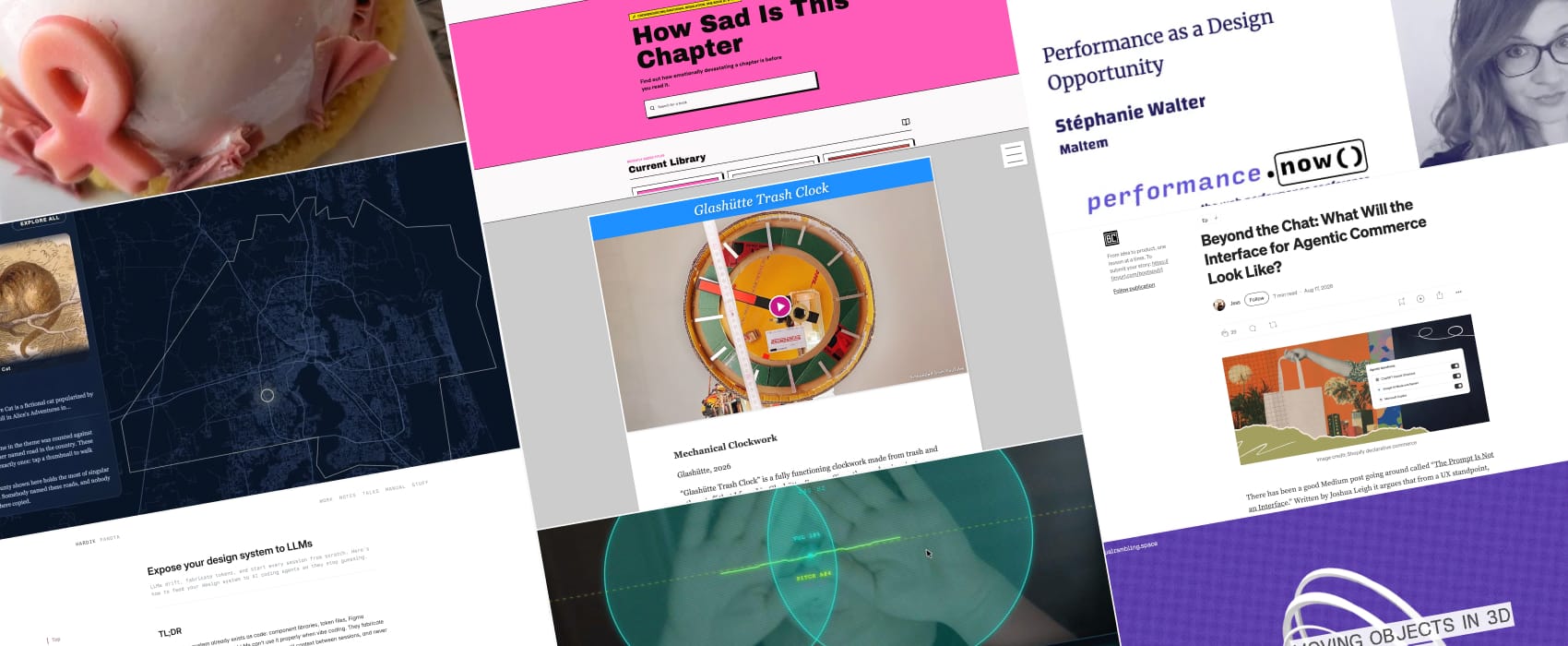
Pixels of the Week – October 18, 2026
Agentic commerce interfaces, will this book chapter make you sad & an impressive clock made from trash.
Pixels of the Week is my weekly-ish curated newsletter for designers, UX folks, devs, and anyone building accessible, inclusive, usable (and let’s be honest, awesome) digital products. This edition explores agentic commerce interfaces beyond chat UIs. Don’t miss a fun clock made from trash, a webcam theremin experiment, cool dataviz and tool to know if a book chapter will make you sad.
Subscribe to my newsletter to get this directly in your mailbox!
Now: what I’m currently up to

Designers see performance as a constraint, or as a checklist item: “don’t forget the spinner.” What if we saw it as a design opportunity instead? In November, I’ll speak at performance.now() in Amsterdam. The talk is called “Performance as a Design opportunity” and I’ll explore what developers should expect from their designers and how to ask for it.
Also, I ate a strawberry pink nipple this week and it was delicious. (gosh I don’t even want to imagine what writing this on my blog will do for my SEO, but SEO is dead only robots read full content now so, I shall be fine?). It was part of my local pastry shop’s initiative to raise awareness to breast cancer, so, folks: don’t forget to get regularly checked!
Articles
Beyond the Chat: What Will the Interface for Agentic Commerce Look Like? (12min) by Jess Leitch I am usually not a big fan of the whole “everything will become a chat/ generative UI that adapts”, but, this article for once goes beyond and brings some interesting ideas about agentic ecommerce, and how this can be used to meet customers directly in the part of the journey they are in, instead of guessing. “When a customer is routed to you with intent already formed, the surface should assemble itself around that intent. If they are comparing, give them a comparison built from the two or three things they actually named, not a category page with forty options.”. And this, calls for, a big work to understand real user journeys (instead of guessing like most people still do).
Curiosity cabinet
Glashütte Trash Clock an impressive and fully functioning clock made from trash and other stuff, by Niklas Roy
Interesting websites
Air theremin if you ever dreamed of playing the theremin, now you can, using your webcam and hands, or using your gyro on your phone, or a mouse. I hate the sound, but it’s honestly quite a fun demo of cool things you can do with different device sensors. Created by Pavel Gurov
Every road in America, filtered by a theme, because why not? Joke aside, I love such dataviz and maps, and I really like the theme of wonderland characters. I wonder about the history behind those though. I come from Alsace where we had a mining industry in the 1910’s. This led to entire neighborhoods built from the ground, pun intended, around those mines. And they had to name whole neighborhoods, so they chose themes, including fairy tales. One of my friends was living in Prince Charming Street. There were neighborhoods where the streets are named after birds, and, after inventors (white men, obviously, those were the 1910’s, but still).
Moving Objects in 3D Space a dataviz explication on how to move objects along a spherical helix path. Fun to play with!
Books
How Sad Is This Chapter? Find out how emotionally devastating a chapter is before you read it. This one is for my book nerds: a library that lists books and rates them on a scale of “how devastated are you going to be”, from 1 to 5. The story behind this is also quite interesting. This was created by Catie Osborn (Catieosaurus). She started reading DCC and shared on Instagram her excel sheet where she listed the Dungeon Crawler Carl books chapters and rated them by “how emotionally devastating they will be”. She then turned it into a website. And the internet did its internet thing: people added more books and chapters and this grew into quite a library. I just love how this escalated quickly into a community place.
Tutorials
Expose your design system to LLMs (25min) a super detailed tutorial by Hardik Pandya, including a prompt you can copy paste, to avoid LLM drifts when you are prototyping and ensure the 10th session produces the same visual quality as the first one. I also like the idea of having a documentation per component, because honestly, this is already how I work: each component in my Figma file has its little text documentation to help designers use it properly (and developers build it).
