Pixels of the Week – October 4, 2026
Accessibility agent, AI-ready design systems & beautiful flame painting on copper.
Pixels of the Week is my weekly-ish curated newsletter for designers, UX folks, devs, and anyone building accessible, inclusive, usable (and let’s be honest, awesome) digital products. This edition includes content on building an accessibility agent, making your design system AI-ready, and why AI speed does not make the whole team faster. Also some really cool flame painting on copper, how mechanical watches work, and maps of book journeys.
Subscribe to my newsletter to get this directly in your mailbox!
Now: what I’m currently up to
It has been, a couple of weeks since the last newsletter. I won’t enter in too many details, but, basically, I didn’t have much time or energy to read content, test tools, or even just wander around for inspiration in the last couple of weeks. I hope it will get better in the next couple of weeks
I redirected the very little energy I had left into teaching my Accessibility for Designers workshop. It was, as always, such a nice experience. I love how people always have the most interesting and challenging questions in those workshop. I know it sounds cheesy but often I learn a lot, while teaching. I also revamped a big part of this workshop to make it fit into the 10 hours. Over the years, it grew bigger and more intense. I wanted to re-focus it a little bit into something more actionable for designers.
Articles
Building a general-purpose accessibility agent (15min) very interesting insights from Eric Bailey. They used a sub-agent structure that brings the accessibility findings to the main orchestration one. Smart! They also split into reviewer (audit) and implementer (fix) templates. They still end up with ~36% of level A and AA Success Criterion that can’t be automatically discovered, so they still need manual periodic reviews.
How To Make Your Design System AI-Ready (7min) AI cannot magically resolve technical debt or design debt without proper guidance. To help: document design decisions for the AI too, use a linter to keep your Figma files clean and bring the design system specs into a structured markdown file. By Vitaly Friedman.
A11y 101 – 3.3.4 Error Prevention (10min) an interesting detailed explanation by Nat Tarnoff of the 3.3.4 error prevention criteria. While 3.3.3 is about helping fix errors, 3.3.4 is about preventing users from submitting incorrect important information. Think about online purchase, legal information, etc. You must offer a way to confirm, correct and reverse the information before submission. For example: an order summary before a purchase. Or a way to cancel a big transaction within 60 minutes. This is about customer protection!
You Got Faster. Your Company Didn’t. “I would have written a shorter letter, but I did not have the time.” The Blaise Pascal quote nails it. Matheus Lima explains that the time “saved” by a developer who used AI to make a decision and write code isn’t saved at all. It was just transferred to the next person, who now has even more review time. One person’s shortcut becomes everyone else’s problem. Every individual is now faster, but the whole team isn’t. He has one rule to help: “if you can’t defend a sentence with the document done, it’s not really done, is it?”
Inspiration
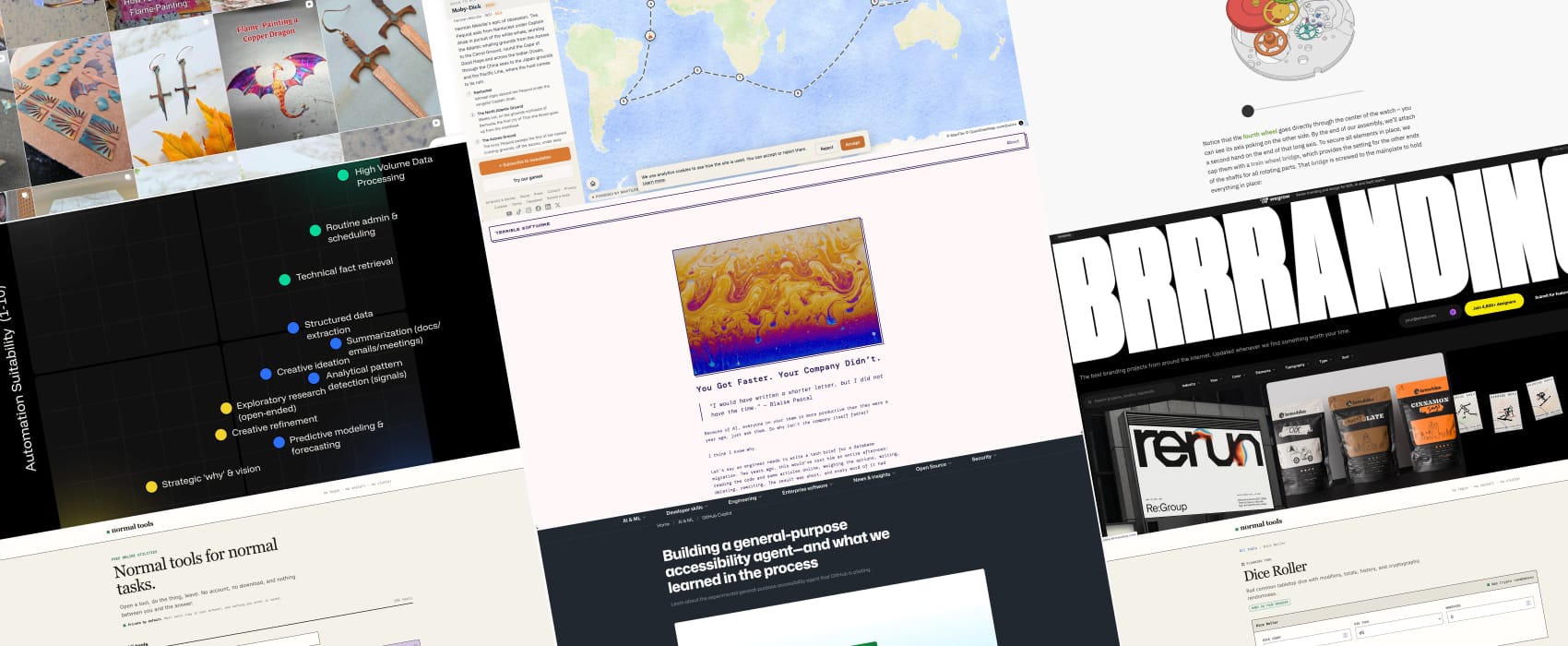
TheCopperOasis I discovered the art of flame painting on copper, it’s both impressive and absolutely beautify! I love the gingkos!
Interesting websites
brrranding a place with curated interesting branding examples and ideas , no algorithm, no AI, just someone taking time to curate those.
Mechanical Watch a interactive dataviz and article that explains how a mechanical watch works.
Reading Maps pick a map and follow step by step the journey of the characters of your favorite books!
Normal Tools: a list of online free, no login no install utility tools, to handle text, files conversions, but also help you with construction, finance, cooking and more. There is even a dice roller, with modifier!
Frameworks and concepts
The AI Delegation Matrix: What Parts of Your UI Shouldn’t Exist? an interesting framework to help you decide if your patterns and processes could be delegated, assisted by an AI or stay human-led. Very nice when you start building AI into end user tools and products
